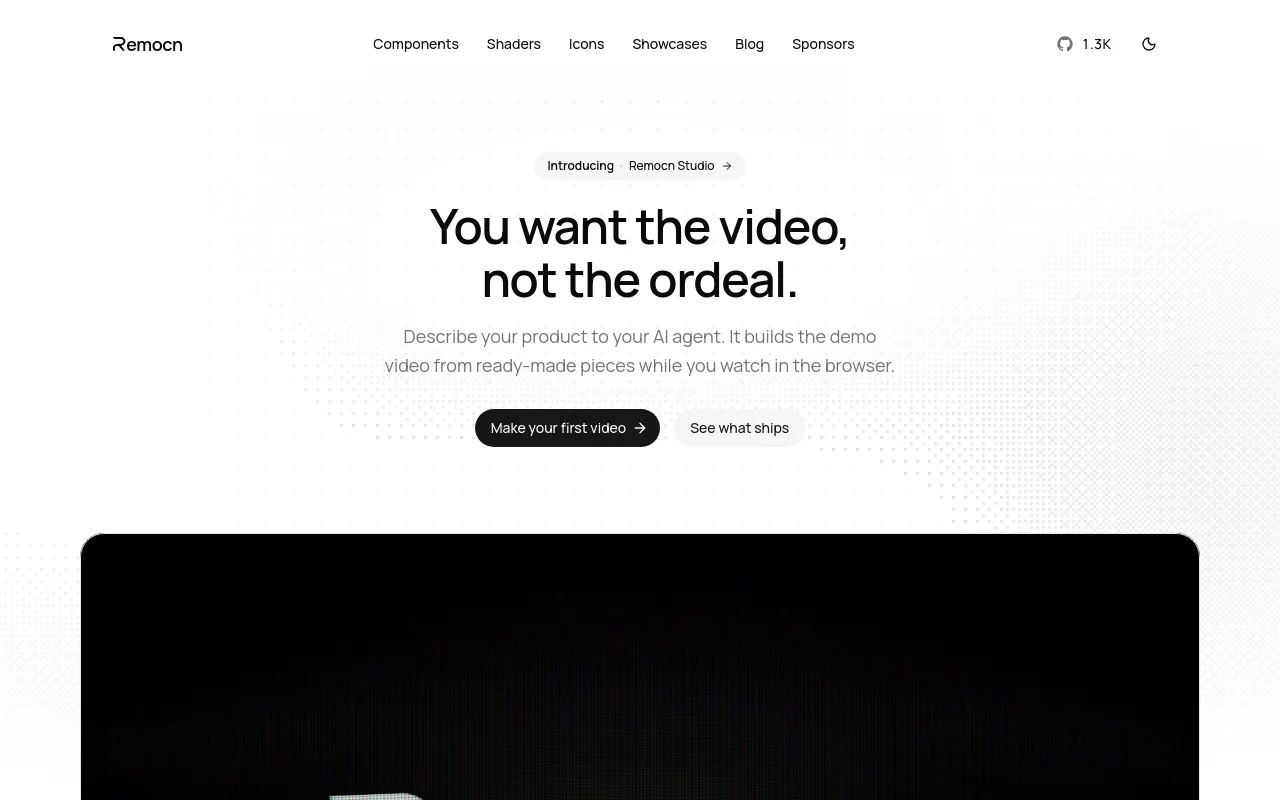
Describe your product to your AI agent. It builds the demo video from ready-made pieces while you watch in the browser.

No ratings yet|36

From Free (MIT License)

kapish@remocn.dev

On this page

What is Remocn?

Remocn is an open-source, MIT-licensed library of pre-built Remotion video components — typography animations, shaders (animated backgrounds), transitions, animated icons, and UI primitives, 282 components in total — designed to be driven by an AI coding agent (such as Claude Code, ChatGPT, or opencode) rather than operated directly by a human editor.

Instead of hiring a designer, learning After Effects, or manually screen-recording a product, a builder describes the demo video they want to an agent that has the remocn "agent skill" installed, and the agent assembles the video from these ready-made pieces inside a local Remotion project, with a live preview in the browser.

There's no account, no hosted runtime, and nothing to pay or cancel — it's plain MIT-licensed open source, installed directly into a local project.

Core Features

Agent Skill Installation

Installed into any AI coding agent via a single command (`npx skills add Remocn/remocn --yes`), turning that agent into a video-production assistant driven by natural-language instructions.
282 Ready-Made Remotion Components

A library spanning typography animations, shaders, transitions, animated icons, and UI primitives (mocked-up app interfaces) that the agent assembles rather than building from scratch.

Live Browser Preview Studio

A local preview studio opens in the browser so you can watch the video update as you and the agent iterate on it.

Guided Customization

Docs guides for each component category (typography, shaders, icons, and more) that a builder or agent can follow to customize a video.

Open Source, No Account Required

MIT-licensed and installed directly into a local Remotion project, with no account, hosted runtime, or subscription to manage.

How to Use Remocn

Per Remocn's setup guide, you need two things: an AI coding agent and an empty folder.

  1. Open a coding agent in an empty folder (the docs recommend Claude Code, and also support ChatGPT, opencode, and others).
  2. Paste this instruction to the agent: "Set up a new Remotion video project in this folder, then install the remocn agent skill: npx skills add Remocn/remocn --yes. When you're done, start the preview studio so I can watch the video while we work."
  3. Once a browser tab opens showing an empty video player, setup is complete.
  4. From there, you pick a guide from the docs to customize the video, describing what you want in plain language while watching the result update live in the preview studio.

Use Cases

  • Builders who need a product demo or launch video quickly, without hiring a designer, learning After Effects, or manually screen-recording — the site frames this directly as letting someone who "needed a demo video for their product" ship "one the same day."
  • The public showcase gallery — described as "real products and launches, animated with copy-paste Remotion components" — includes example launch videos like "Introducing Nextjs," "Introducing Shadcn," "Introducing Tenkit," and "Introducing Remocn" itself, mostly credited to the same creator (kapish_dima).
  • Teams already using AI coding agents (Claude Code, ChatGPT, opencode) for development who want to extend that same agent-driven workflow to producing a polished demo video, instead of switching to a separate video-editing tool.

Pros & Cons

Pros

  • No account, backend, or subscription required — it's MIT-licensed and runs entirely inside your own local Remotion project, so there's nothing to cancel or pay for
  • Designed specifically for the "coding agent already in your terminal" workflow (Claude Code, ChatGPT, opencode) rather than a separate app to learn, installed with a single `npx skills add` command
  • 282 pre-built components (typography, shaders, transitions, icons, UI primitives) mean the agent assembles from ready-made pieces rather than generating animation code from scratch, which the site frames as enabling same-day demo videos
  • Publishes a public showcase gallery of real launch videos made with the tool, not just staged marketing examples, giving a concrete sense of output quality

Cons

  • Requires an AI coding agent and a working local dev environment (Node/npx) rather than being a hosted, no-code tool — it's not usable by someone without a coding agent already set up
  • The setup guide doesn't specify which tool actually renders the final video file, or what render times and output formats look like
  • No information about the company or team behind it is published beyond a single contact email (kapish@remocn.dev) and a GitHub org (Remocn) — this looks like a solo or small indie project rather than a funded company

Pricing

Open Source

Free (MIT License)

  • No account required
  • No hosted runtime
  • Nothing to cancel
  • Installed directly into your own local Remotion project

Frequently Asked Questions