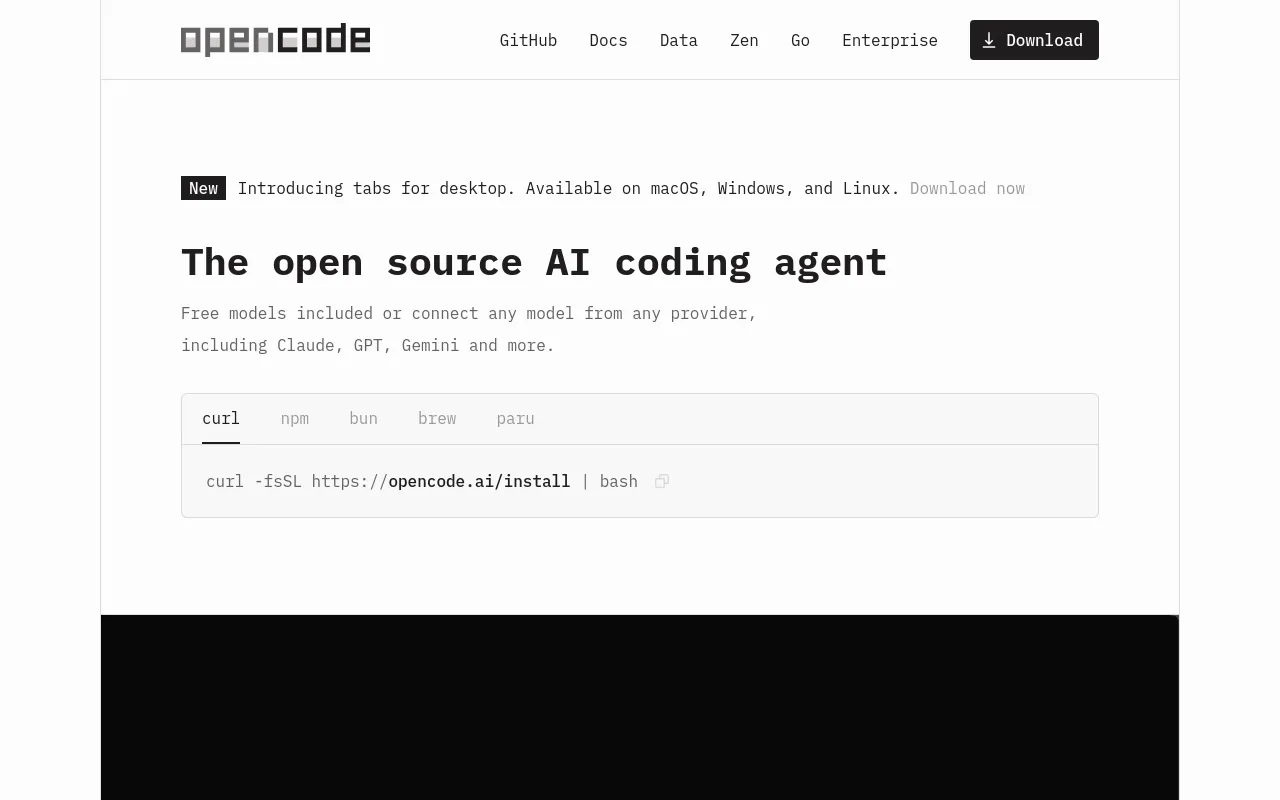
Free models included or connect any model from any provider, including Claude, GPT, Gemini and more.

No ratings yet|45

From Free, open source

On this page

What is OpenCode?

OpenCode is described on its site as "the open source AI coding agent" — a coding assistant maintained by Anomaly that's available as a terminal interface, a desktop app, or an IDE extension. It's fully open source (195K GitHub stars and 950 contributors at time of writing) and works with the model access you already have: free included models, or any of 75+ LLM providers through Models.dev (including local models), plus GitHub Copilot or ChatGPT Plus/Pro logins. The site states it's used by "over 16M developers every month."

Core Features

LSP-Enabled

Automatically loads the correct language server for the code being worked on, so the model gets accurate language context.
Multi-Session

Launch multiple agent sessions in parallel on the same project.

Plan vs Build Modes

Toggle with Tab between a mode that only proposes how it would implement a change and a mode that actually makes the change.

Share Links

The `/share` command creates a shareable link to the current conversation for reference or debugging.

Bring Your Own Model (75+ Providers)

Connect any of 75+ LLM providers via Models.dev, including local models, GitHub Copilot, or ChatGPT Plus/Pro, or use the free included models.

OpenCode Zen (optional)

A separate, curated pay-per-request model marketplace tested and benchmarked specifically for coding agents, with transparent, zero-markup pricing.

Runs Anywhere

Available as a terminal interface, a desktop app, or an IDE extension.

How to Use OpenCode

OpenCode installs with a single command: curl -fsSL https://opencode.ai/install | bash (npm, Homebrew, and other package managers are also supported). From there:

  1. Run /connect to choose a model provider and add an API key — the docs recommend OpenCode Zen, "a curated list of models that have been tested and verified" for coding agents.
  2. cd into a project, run opencode, then /init to generate an AGENTS.md file describing the project for the agent.
  3. Toggle between Plan and Build modes with Tab — Plan mode "disables its ability to make changes and instead suggest how it'll implement the feature," so you can review a plan before anything is edited.
  4. Type @ to fuzzy-search and reference files in the project, or drag and drop images into the terminal to add them to a prompt.
  5. Use /undo and /redo to step through changes, and /share to create a shareable link to the current conversation.

LSP support automatically loads the correct language server for the code being worked on, and multiple agent sessions can run in parallel on the same project. Terminal use requires a modern terminal emulator (WezTerm, Alacritty, Ghostty, Kitty); on Windows, the docs recommend using WSL.

Use Cases

  • Individual developers who want a free, fully open-source coding agent in their terminal, IDE, or a dedicated desktop app, without being locked to one model provider.
  • Teams that want to bring their own model access (GitHub Copilot, ChatGPT Plus/Pro, or any of 75+ providers via Models.dev, including local models) rather than paying for a separate hosted agent subscription.
  • Reviewing an agent's plan before it touches code, via Plan mode, on higher-stakes or unfamiliar codebases.
  • Running multiple agent sessions in parallel on the same project (multi-session) to work on more than one task at once.
  • Sharing a specific agent conversation with a teammate for reference or debugging via a share link.
  • Organizations that want OpenCode deployed org-wide with SSO and an internal AI gateway, with no data or context stored (the Enterprise offering).

Pros & Cons

Pros

  • Fully open source (195K GitHub stars, 950 contributors at time of writing) rather than a closed product, and free to use with your own model access
  • Not locked into one model provider — supports 75+ providers via Models.dev plus GitHub Copilot and ChatGPT Plus/Pro logins, so you can bring whatever access you already have
  • Plan mode lets you review how the agent intends to implement a change before it touches any files, a safety net most terminal coding agents don't call out explicitly
  • OpenCode Zen's pricing is unusually transparent for a model marketplace: pay-per-request with "zero markups," auto-top-up, and a stated zero-retention policy for hosted models

Cons

  • Primarily a terminal-first tool — the best experience assumes a modern terminal emulator (WezTerm, Alacritty, Ghostty, Kitty), and Windows users are pointed to WSL rather than native Windows support
  • OpenCode itself is free, but using it well typically means also paying for model access somewhere (your own API keys, GitHub Copilot/ChatGPT Plus, or an OpenCode Zen balance) — the tool is free, the models generally aren't
  • Enterprise pricing isn't published — the FAQ lists a "How does enterprise pricing work?" question but the page doesn't show the answer, so org deployment cost requires contacting sales

Pricing

OpenCode (core)

Free, open source

  • Terminal interface, desktop app, or IDE extension
  • Use your own model access: free included models, 75+ providers via Models.dev, local models, GitHub Copilot, or ChatGPT Plus/Pro
  • 195K GitHub stars, 950 contributors at time of writing

OpenCode Zen

Pay-per-request, zero markup — starts with a $20 balance

  • $20 initial balance (includes a $1.23 card processing fee)
  • Auto-top-up: automatically adds $20 when your balance reaches $5
  • Curated, benchmarked models for coding agents
  • Hosted in the US; providers follow a zero-retention policy and don't use your data for model training

Enterprise

Custom (contact sales)

  • Runs inside your organization with no data or context stored
  • Integrates with your SSO and internal AI gateway
  • No licensing restrictions or ownership claims
  • Pricing not published — requires filling out a contact form

Frequently Asked Questions