W

WorkBuddy

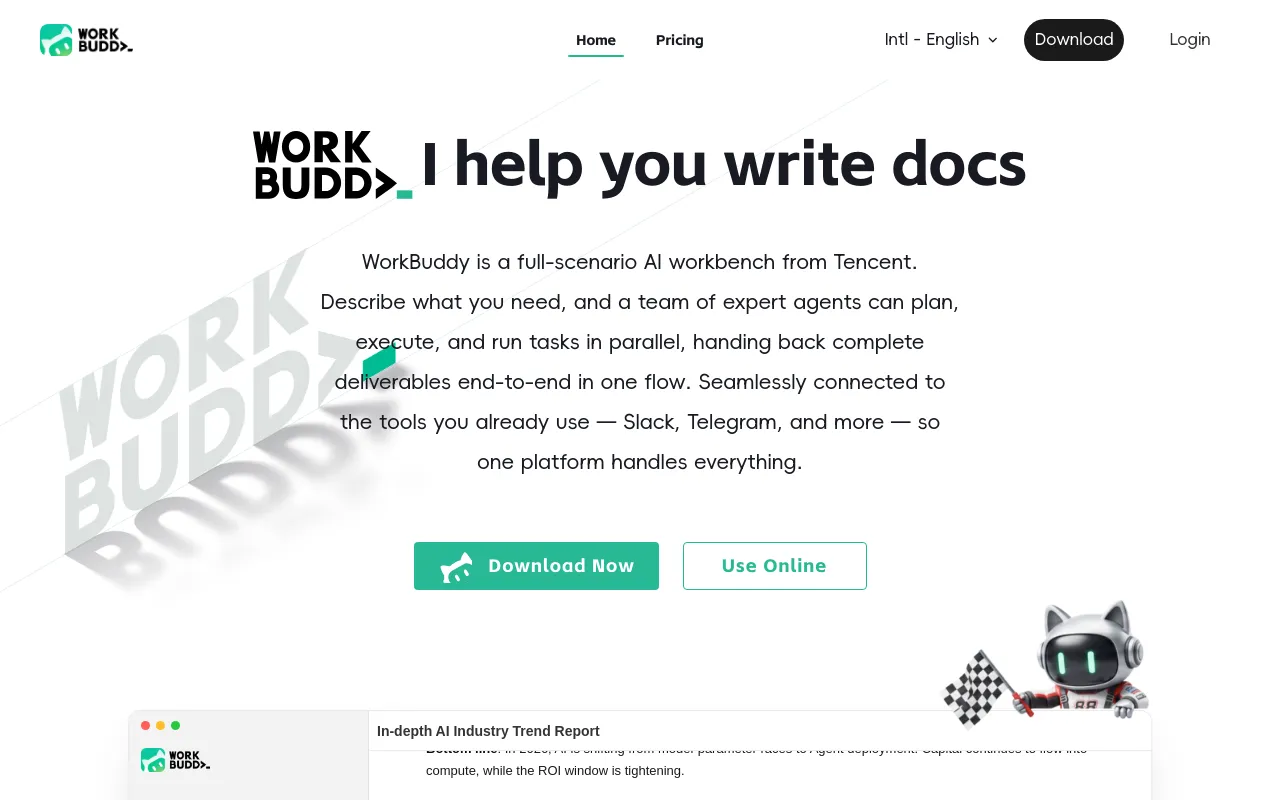
Tencent WorkBuddy is an AI Agent built for office professionals.

No ratings yet|3

From $0

On this page

What is WorkBuddy?

Tencent WorkBuddy is a desktop AI agent built for everyday office work: from a single natural-language instruction, it plans, breaks a task into steps, calls tools, reads and writes files, and delivers a finished result — a report, slide deck, spreadsheet, or site — directly into your files rather than as a chat reply you have to copy out. It launched in China on March 9, 2026 as part of a broader Tencent Cloud "productivity agent suite," where the company said it had already become one of China's most widely used productivity agent tools by daily active users, and rolled out for global users on May 29, 2026 under the workbuddy.ai domain.

The agent runs tasks inside a sandboxed environment — with workspace isolation, file-access permissions, confirmation prompts for sensitive operations, and skill-level security scanning — so it can operate on local files and connected accounts without touching the rest of the system. It's built on Tencent's Hunyuan models but can switch between Hunyuan, DeepSeek, GLM, Kimi, and MiniMax depending on the task, and comes with 100+ built-in Expert roles (spanning marketing, engineering, game development, financial analysis, legal drafting, and more), each pre-loaded with domain-specific prompt templates and methodologies, plus 20+ additional skill packages. For work that benefits from specialization, Expert Teams can coordinate several sub-agents on one task — for example one researching, one coding, one drafting documentation — under a lead agent.

WorkBuddy is a product of Tencent, the Chinese internet and technology conglomerate founded in November 1998 in Shenzhen by Pony Ma and several co-founders.

Core Features

Natural-Language Task Planning

Turns a single instruction into a planned, multi-step task — breaking it down, calling tools, and running sub-steps automatically rather than requiring a manually built workflow.
100+ Expert Roles

Pre-built specialist roles across marketing, engineering, game development, financial analysis, legal drafting, and more, each pre-loaded with domain-specific prompt templates and methodologies.

Expert Teams

Coordinates multiple sub-agents working in parallel on one task under a lead agent, for projects that benefit from specialization.

Sandboxed Execution

Runs tasks in an isolated workspace with file-access permissions and confirmation prompts for sensitive operations, with skills scanned for security risks before installation.

Multi-Format File Handling

Reads, writes, merges, and converts Word, Excel, PowerPoint, PDF, image, and other file types directly.

Model Flexibility

Switches between Hunyuan, DeepSeek, GLM, Kimi, and MiniMax models depending on the task.

Broad Tool Connectivity

Connects via MCP to Tencent Docs, Tencent Meeting, GitHub, Jira, Notion, Gmail, Google Drive, and Slack, and supports remote task control through Slack, Telegram, Discord, and WeChat.

How to Use WorkBuddy

  1. Download the WorkBuddy desktop app, or access it as a bot through a connected chat tool, and sign in.
  2. Describe the outcome you want in one instruction — WorkBuddy plans the task, breaks it into sub-steps, and runs them, calling on relevant Expert roles or skill packages as needed.
  3. Let WorkBuddy read from and write to your local files directly (Word, Excel, PPT, PDFs, images, and more), or connect it to Tencent Docs, Tencent Meeting, GitHub, Jira, Notion, Gmail, Google Drive, or Slack via MCP so it can pull in and act on outside context.
  4. For sensitive or system-level actions, review WorkBuddy's confirmation prompts — the agent runs inside a sandboxed workspace with file-access permissions rather than unrestricted system access.
  5. For multi-part projects, let WorkBuddy spin up an Expert Team — several coordinated sub-agents working in parallel on different pieces of the task — instead of running everything sequentially through one agent.
  6. Trigger or check on tasks remotely through Slack, Telegram, Discord, or WeChat, in addition to the desktop app, and switch the underlying model (Hunyuan, DeepSeek, GLM, Kimi, MiniMax) depending on what a given task needs.

Use Cases

  • Turning a one-line request into a finished report, slide deck, spreadsheet, or simple website, delivered directly into your files rather than as text to copy out.
  • Calling on a specific Expert role — market research, financial analysis, legal drafting, poster design, and 100+ others — the way you'd hand a task to a specialized colleague.
  • Running a multi-part project through an Expert Team of coordinated sub-agents (for example one researching, one coding, one writing documentation) instead of one agent doing everything sequentially.
  • Working across connected tools — Tencent Docs, Tencent Meeting, GitHub, Jira, Notion, Gmail, Google Drive, Slack — so the agent can act on real project context instead of only what's typed into the chat.
  • Assigning or checking on tasks remotely through Slack, Telegram, Discord, or WeChat while away from the desktop app.
  • Enterprise and small-team deployments that need centralized billing, an admin console, and a pooled credit allowance across seats.

Pros & Cons

Pros

  • Runs tasks in a sandboxed workspace with file-access permissions and confirmation prompts for sensitive operations, rather than giving an agent unrestricted access to the whole system — a meaningful safety difference from agents that operate with fewer guardrails
  • 100+ pre-built Expert roles, each loaded with domain-specific prompt templates and methodologies, mean many tasks start from a tuned starting point rather than a generic assistant improvising from scratch
  • Model flexibility — switching between Hunyuan, DeepSeek, GLM, Kimi, and MiniMax — means WorkBuddy isn't locked to a single underlying model if one is better suited to a particular task
  • Broad connectivity via MCP to both Chinese tools (Tencent Docs, Tencent Meeting, WeChat) and international ones (GitHub, Jira, Notion, Gmail, Google Drive, Slack, Discord, Telegram) makes it usable for teams that mix both ecosystems

Cons

  • WorkBuddy is very new — it launched in China in March 2026 and only reached global users in May 2026 — so international documentation, support, and third-party reviews are thinner than for more established agent products
  • Pricing and plan names have already changed once in China (an April 2026 billing adjustment renamed and repriced tiers), which is worth checking against the current live pricing page rather than relying on any single review
  • As a Tencent Cloud product with deep ties to the Chinese tech ecosystem (Hunyuan models, Tencent Docs/Meeting, WeChat), organizations with data-residency or vendor-risk policies restricting Chinese cloud services should evaluate WorkBuddy's data handling carefully before adopting it
  • Giving an agent local file access and connected accounts (GitHub, Gmail, Google Drive, Slack) — even inside a sandbox — is a meaningfully larger permission footprint than a plain chat assistant, and worth scoping deliberately per task

Pricing

Free

$0

  • Free tier for evaluation
  • Limited monthly credits
  • Core agent and skill access

Pro

~$9.95/month billed annually, or ~$19.90/month billed monthly

  • 1,000 credits per month
  • Full skills and connectors
  • Private memory

Team

$40/seat/month

  • Everything in Pro
  • Shared credit pool (1,000 credits per seat, pooled across the team)
  • Admin console and unified billing
  • IDE / CLI / plugin support

Enterprise

Custom (contact sales)

  • Advanced security and management controls
  • Dedicated VPC option for stronger isolation
  • Scoped to organization needs

Frequently Asked Questions