Image to LaTeX
Recognizes handwritten and printed formulas, chemical structures, and mixed content from photos and converts them into LaTeX code.
Convert images and PDFs into LaTeX, edit formulas online, and export straight to Word — built for academic and technical writing.
No ratings yet|187
hello@texlens.com
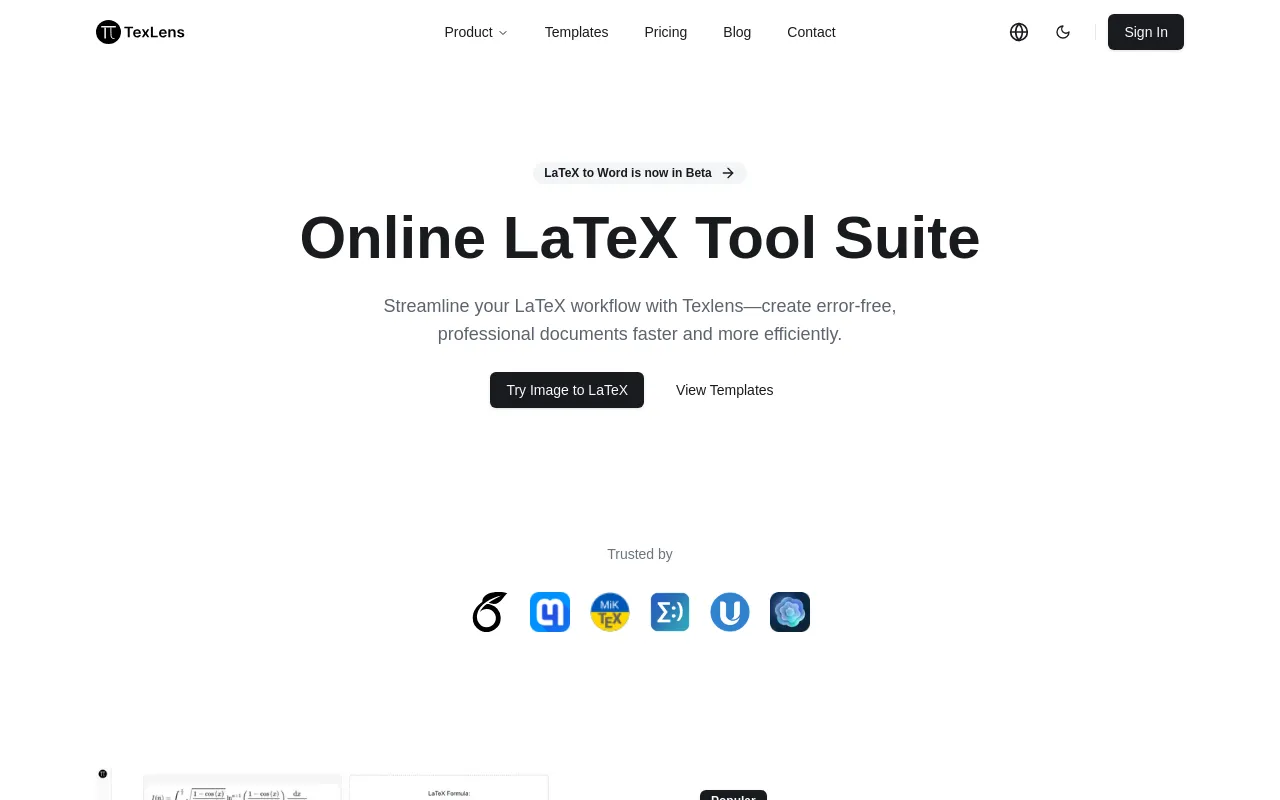
TexLens is an online LaTeX tool suite aimed at researchers and technical writers. It converts photos or scans of handwritten and printed formulas, chemical structures, and tables into LaTeX code, runs OCR on PDF documents to extract text and structured data, and provides a browser-based formula editor and table generator. It also converts LaTeX documents into Word format.
Recognizes handwritten and printed formulas, chemical structures, and mixed content from photos and converts them into LaTeX code.
Extracts text, formulas, and structured data from PDF documents, including distorted or complex layouts.
Converts LaTeX documents into Word format; the site describes this as a lossless conversion and marks it as beta.
A browser-based editor for creating and editing mathematical equations without a local LaTeX installation.
Generates complex LaTeX tables with a real-time preview.
Upload an image or PDF of a formula, table, or document to the Image-to-LaTeX or PDF OCR tool, then review and adjust the recognized LaTeX output in the formula editor. Use the LaTeX-to-Word tool to export a finished LaTeX document as a Word file. The LaTeX Formula Editor and LaTeX Table Generator can also be used on their own, without an uploaded source file, to build equations and tables from scratch. Ready-made LaTeX templates for theses, reports, presentations, posters, and CVs are available to start from.
Digitizing handwritten problem sets or lecture notes into LaTeX; converting formulas photographed from papers or textbooks; producing LaTeX tables from source data with a live preview; sharing a LaTeX-authored paper with collaborators who need a Word copy; and extracting structured content such as equations and tables from PDF documents for reuse.