Y

YouMind

Helps you learn, research, and create from connected source material.
Visit Website
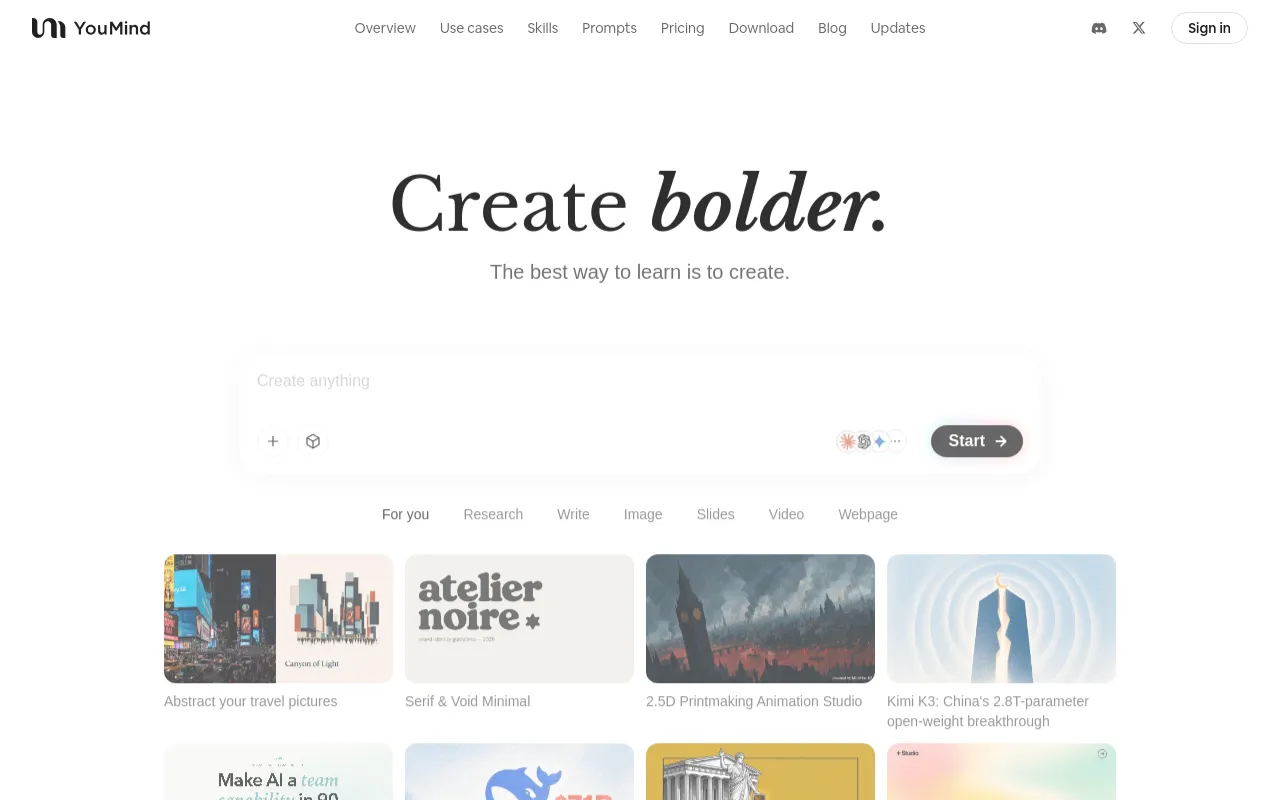
YouMind 首屏预览

What is YouMind?

YouMind is an AI creation agent focused on turning learning materials into actionable outputs. It is positioned as a place where learning meets creation: you can collect information, connect ideas, and create with AI in one workspace.

From the official product messaging, YouMind supports multi-source input (such as webpages, PDFs, YouTube videos, podcasts, audio recordings, and Office documents), then helps organize and transform that material into clearer insights and finished deliverables.

Core Features

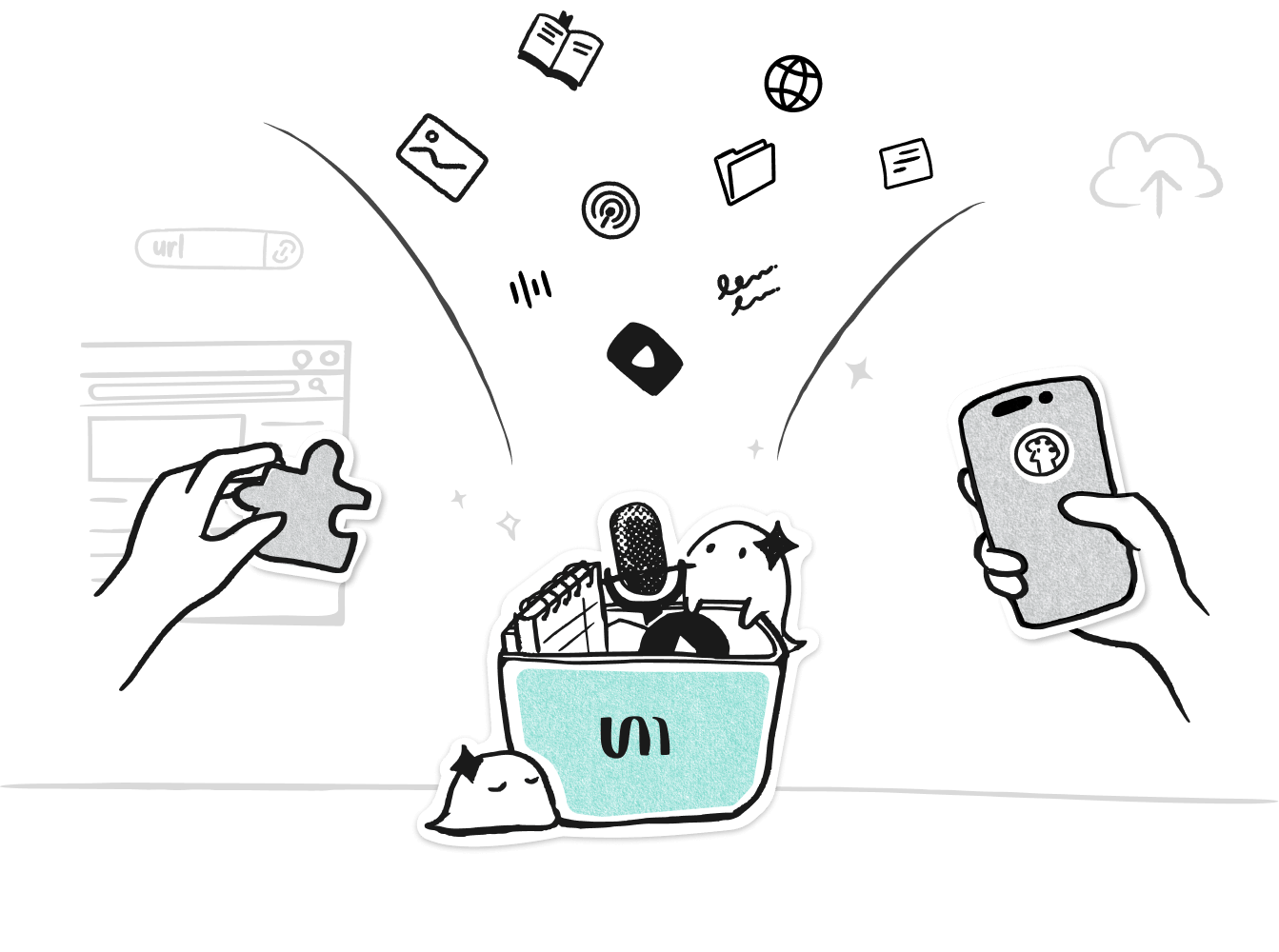
Save Anything from Anywhere

Capture materials via browser extension or iOS, with support for webpages, PDFs, YouTube videos, podcasts, audio recordings, Office documents, and more.

Learning + Creation in One Workspace

Collect, reason, and create in the same environment so source context and generated output stay connected.

AI-Assisted Synthesis

Use AI chat on top of your own materials to summarize, compare, and extract insights before drafting final content.

Scheduled Tasks

Turn Skills into recurring automations by setting time and frequency, so repetitive knowledge workflows can run on autopilot.

Flexible Credit Tiers

Pro and Max plans provide multiple credit tiers, giving users more choices for higher-usage AI workflows.

Screenshots

YouMind feature view showing multi-source capture and saving workflow
YouMind feature view showing idea selection and knowledge organization
YouMind feature view showing AI-assisted creation from saved materials

How to Use YouMind

  1. Create a workspace for a topic, project, or problem you want to explore.
  2. Add source materials to that workspace (webpages, PDFs, videos, audio, documents, and notes).
  3. Use AI chat on top of your own collected context to ask questions, compare ideas, and identify patterns.
  4. Generate outputs (for example summaries, outlines, reports, or presentation-ready content) from the same workspace context.
  5. For recurring workflows, use Scheduled Tasks to run selected Skills automatically at defined times/frequencies.

Use Cases

  • Build research briefs by collecting mixed media (web + docs + video + audio) into one place.
  • Turn scattered references into a structured knowledge map before writing.
  • Draft creator assets (posts, scripts, slides, or reports) grounded in your saved source set.
  • Run repeatable weekly/monthly knowledge workflows with scheduled automation.
  • Maintain a personal or team “second brain” that links source evidence with generated outputs.

Pros & Cons

Pros

  • Unified flow from information capture to final creation in one product.
  • Broad source support across web pages, documents, videos, and audio.
  • Supports recurring automation through Scheduled Tasks.
  • Offers both browser extension and iOS companion entry points.

Cons

  • Advanced usage depends on subscription credit tiers (especially Pro/Max).
  • Exact paid limits and quota details vary by selected credit tier and should be checked on the live pricing page.
  • Some capture convenience depends on using companion surfaces (browser extension / iOS app).

Pricing

Free

$0 (Start for free)

  • Officially positioned with a free start path.
  • Core workspace for collecting and working with source materials.
  • Can pair with browser extension and iOS companion flows.

Pro

Subscription (see official pricing page)

  • Includes multiple credit tier options.
  • Designed for users with heavier AI creation workflows.
  • Current limits depend on the selected tier.

Max

Subscription (see official pricing page)

  • Includes multiple credit tier options.
  • Targets high-volume and advanced usage scenarios.
  • Current limits depend on the selected tier.

Frequently Asked Questions